
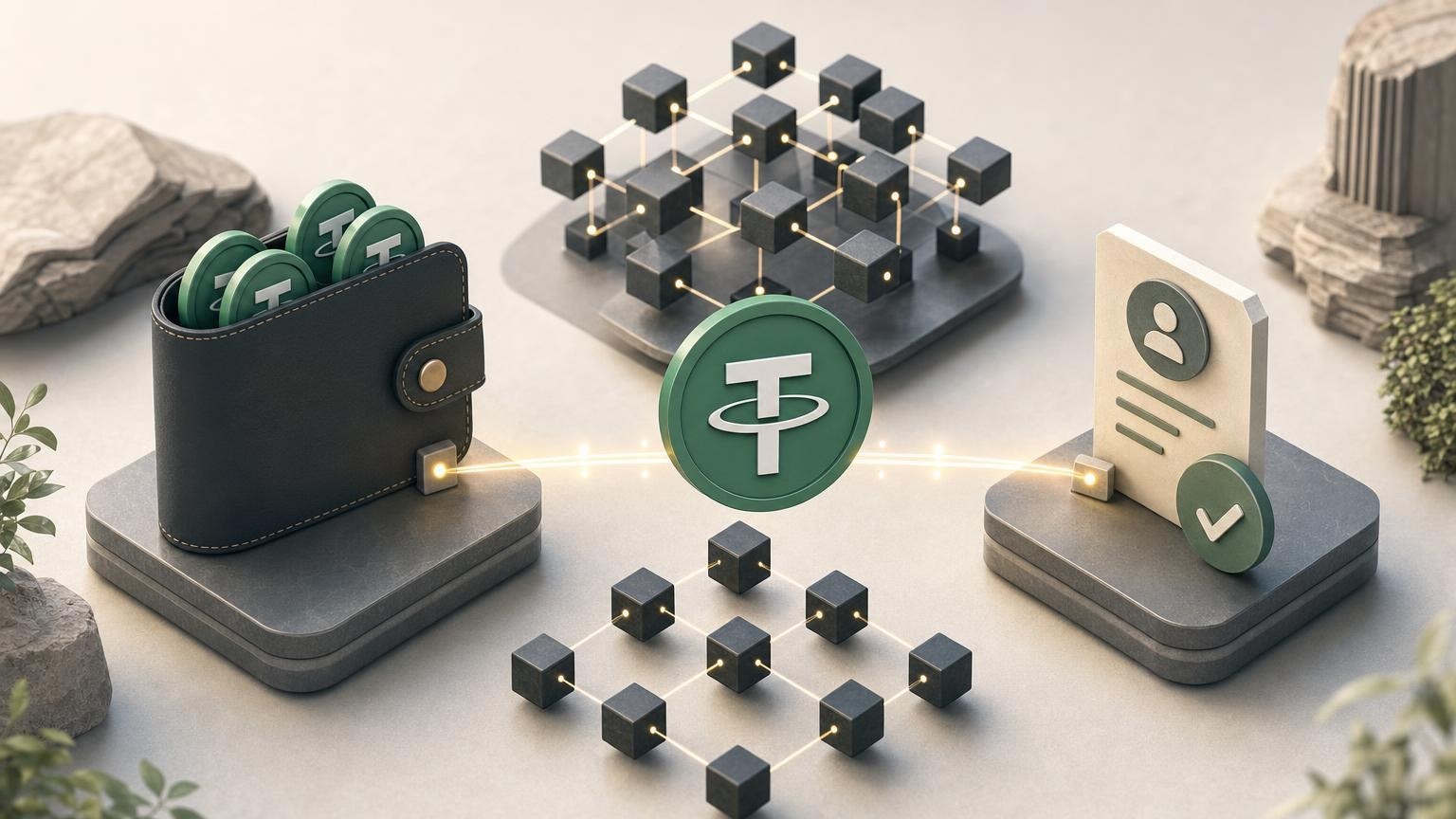
Exchanging USDT via BEP-20 means transferring USDT on BNB Smart Chain, often shown as BSC or BNB Smart Chain in wallets and exchange interfaces. Before sending, the practical goal is to confirm that both sides use the same network, copy the correct recipient address, review the amount and request status, and keep enough BNB for the network fee when sending from a self-custody wallet.
A compact knowledge map
The topic can be understood through five connected nodes:
- Basic concept: USDT is the asset; BNB Smart Chain is the network carrying it.
- Mechanism: the BEP-20 token transfer is recorded on BNB Smart Chain.
- Practical application: the sender selects the matching network and enters the recipient details supplied for the exchange request.
- Limitation: similar-looking addresses do not prove that two platforms support the same network.
- Verification: the request details are checked before sending, while the transaction hash is checked after broadcast.
Route 1 — understand quickly: read “USDT, BEP-20, and BNB Smart Chain,” then “Why the network must match.” The result is a clear distinction between the asset, token format, and blockchain.
Route 2 — prepare for a practical transfer: continue with “The pre-transfer checklist,” “A conditional example,” and “Verification after sending.” The result is a repeatable procedure for reviewing an exchange request without relying on the appearance of the address alone.
Route 3 — understand the technical layer: read the technical details under the first two nodes, followed by the explanation of transaction hashes and network fees. The result is a working model of what the wallet signs and what a blockchain explorer can confirm.
USDT, BEP-20, and BNB Smart Chain
These labels describe different parts of one transfer. USDT identifies the token. BNB Smart Chain identifies the blockchain on which the transaction is submitted. BEP-20 describes the token standard used for fungible tokens on that network.
Tether lists BNB Smart Chain among the supported blockchains for USD₮. BNB Chain documentation describes BNB Smart Chain as compatible with Ethereum tooling and smart contracts, with BNB serving as the native asset used for transaction fees. [1]
The term “BNB Chain” may refer to a broader ecosystem. For an ordinary USDT BEP-20 transfer, the relevant network is specifically BNB Smart Chain mainnet. It should not be confused with opBNB, a separate Layer 2 network with its own chain ID. Official configuration data identifies BNB Smart Chain mainnet as chain ID 56, while opBNB mainnet uses chain ID 204. [2]
Technical view: what the wallet sends
A USDT BEP-20 transfer is normally a call to a token smart contract on BNB Smart Chain. The transaction identifies the token contract, the recipient, and the token amount. The sender authorizes that transaction with a wallet signature, and the network charges a fee in BNB.
The token contract is separate from the recipient address. A legitimate-looking token name or ticker is therefore insufficient for technical identification: wallet software and explorers use the contract address on the selected network to distinguish one token from another. Contract information should be obtained from an official project source or a trusted explorer entry rather than from an unsolicited message.
Why the network must match
A recipient address on BNB Smart Chain commonly begins with 0x. Ethereum and other EVM-compatible networks can use the same address format, so the shape of the address does not establish which network the recipient accepts. Selecting “Ethereum” because the address looks familiar, or selecting “opBNB” because its name contains BNB, can place the transfer on a different blockchain from the one specified in the exchange request.
BNB Chain documentation notes that a token sent on BNB Smart Chain will not appear under Ethereum mainnet or opBNB merely because the wallet displays the same account. It recommends checking the transaction on BscScan by wallet address or transaction hash and confirming the network, token, recipient, and status. [3]
Recovery from a wrong-network transfer is not guaranteed. The outcome depends on who controls the destination address, whether the receiving service supports recovery, and whether its operational and compliance rules allow assistance. A network choice should therefore be treated as part of the recipient details, not as a preference based only on fee or speed.
The pre-transfer checklist
Review the details while the exchange request is still active. Conditions such as the quoted amount, fees, limits, required confirmations, and request validity may change and must be taken from the current interface rather than from an earlier transaction or a general guide.
- Confirm the asset. The request must identify USDT, not BNB, DAI, or another token.
- Confirm the network in words. Look for BNB Smart Chain, BSC, or BEP-20 as specified by the receiving service. Do not infer the network from the
0xprefix. - Check current support on both sides. The sending wallet or platform must allow a USDT withdrawal on BNB Smart Chain, and the exchange request must explicitly accept that network. Availability of a token does not imply availability of every pair, direction, or blockchain.
- Copy the address from the active request. Do not reuse an address from an old request unless the service explicitly confirms that it remains valid.
- Compare the address. Check the beginning and end, then compare additional characters in the middle. Clipboard-replacing malware can substitute a different address after copying.
- Check the required amount. Distinguish the amount the request expects from any withdrawal or network charge shown by the sender. Do not invent an adjustment if the interface does not explain how fees are handled.
- Review extra fields. If the active request displays a memo, tag, reference, or other identifier, follow those instructions exactly. Do not add one based on instructions from an unrelated platform.
- Check the fee asset. A self-custody wallet generally needs BNB on BNB Smart Chain to submit a token transfer because BNB is used for network gas. A custodial platform may deduct or present its withdrawal fee differently, so its confirmation screen remains authoritative. [4]
- Verify the source. Open the service through a known route rather than an unexpected message or advertisement. The FTC warns that phishing and impersonation schemes may direct users to send cryptocurrency to an address or QR code controlled by a scammer. [5]
- Review compliance conditions. Identity, source-of-funds, or other checks can depend on the exchange direction and the results of compliance screening. Current requirements should be clarified before creating or funding the request.
If the amount is significant for you, consider whether the receiving service permits a small test transfer and how that test would affect the request. Do not split a payment without checking: some requests expect one exact transfer, and sending a test amount may create a mismatch.
A conditional example without assumed rates or fees
Suppose an active exchange request tells you to send USDT using BNB Smart Chain to a displayed address. In the sending wallet, you select USDT and choose BNB Smart Chain or BEP-20. You then paste the address and compare it with the request.
At this point, an address beginning with 0x is only a format check. It does not replace the network check. Before approval, read the wallet’s final confirmation screen: it should show the intended USDT amount, the destination address, and BNB Smart Chain as the active network. If the wallet displays Ethereum, opBNB, or another chain, stop rather than assuming that the recipient can recover the transfer.
This example does not imply a particular rate, fee, processing time, limit, or number of confirmations. Those values are dynamic and may differ by exchange direction, wallet, network conditions, and compliance outcome.
Verification after sending
Save the transaction hash, sometimes called a TxID, after the wallet or platform broadcasts the transfer. A blockchain explorer can use it to show the transaction status, sender, recipient, token transfer details, block information, and fee data. BscScan describes a transaction hash as the unique identifier used to locate and verify a transaction. [6]
Check the following fields on the BNB Smart Chain explorer:
- Status: whether the transaction is pending, successful, or failed.
- Network context: whether you are viewing BNB Smart Chain rather than a similarly named network.
- From and to: whether the sender and destination match the intended details.
- Token transfer: whether the transferred asset and amount correspond to the request.
- Transaction hash: whether it matches the value supplied by the sending wallet or platform.
A successful on-chain status means that the blockchain processed the transaction. It does not by itself prove that an exchange request has passed every internal check or reached its final service status. The operator may still need to match the payment to the request, wait for its required confirmation policy, or complete applicable compliance checks.
Why a completed transfer cannot simply be edited
Once a transaction has been included and finalized, the sender cannot change its recipient or amount by editing the original record. Any return normally requires a new transaction controlled by the holder of the receiving address. If the address belongs to a platform, only that platform can determine whether recovery is technically and operationally possible. The FTC notes that sending cryptocurrency to the wrong person may leave no intermediary able to recover it. [5]
Risks and boundaries of the decision
USDT is designed to track a reference value, but using it still involves operational and counterparty risks. The received amount can be affected by stated service terms and transaction costs, while access to assets can depend on the wallet, platform, network, and applicable rules. Cryptocurrency requirements also differ between countries, so this technical guide does not replace legal or tax guidance for a particular jurisdiction.
The most immediate transfer risks are an incorrect address, a mismatched network, an expired or otherwise invalid request, phishing, and misunderstanding who pays a fee. Market conditions can also change while an exchange is being prepared. No interface label removes the need to read the final confirmation screen.
The exchange service supports USDT among its listed assets, but this does not establish that every USDT pair, direction, or network is currently available. Before creating a request, confirm that the exact USDT BEP-20 route you need is offered and review the current terms shown for that operation.
Practical next step
Prepare the sending wallet first: identify where your USDT is held, determine which network currently holds it, and check whether you have the fee asset required by that network. Then check the currently available exchange directions. Create a request only after the interface explicitly identifies USDT on BNB Smart Chain, and repeat the asset, network, address, amount, and request-status checks immediately before sending.